The quiet way to get help from whoever’s nearby.
You’re at a festival, a campus, a hospital. You need help but don’t want to interrupt a stranger. Tap once — someone nearby who can help sees your request. No account. No awkwardness. And if you run events or venues, VoxCor powers that too.
See it in action
Five seconds. That’s all it takes.
No account. No friction. One tap to connect with someone nearby.
How it fits together
One app. Two ways to use it.
Use VoxCor as an individual — anywhere, anytime. Or use it across your whole event or venue. Same app, same experience.
The basics
Short requests. Nearby visibility. A quick confirmation before anyone approaches. That's it.
Works for anyone
Works straight away for anyone in a shared space who needs a quieter way to ask for help.
Works for teams too
Event and venue teams get extra controls — zones, roles, and a live dashboard to see what's happening.
How it works
Structured enough to trust. Simple enough to use instantly.
VoxCor works because it keeps the coordination flow short, legible, and practical in the real world.
Step 01
A person signals a need
The request starts from a short, structured flow instead of a message thread. That keeps the interaction fast and removes unnecessary noise.
Step 02
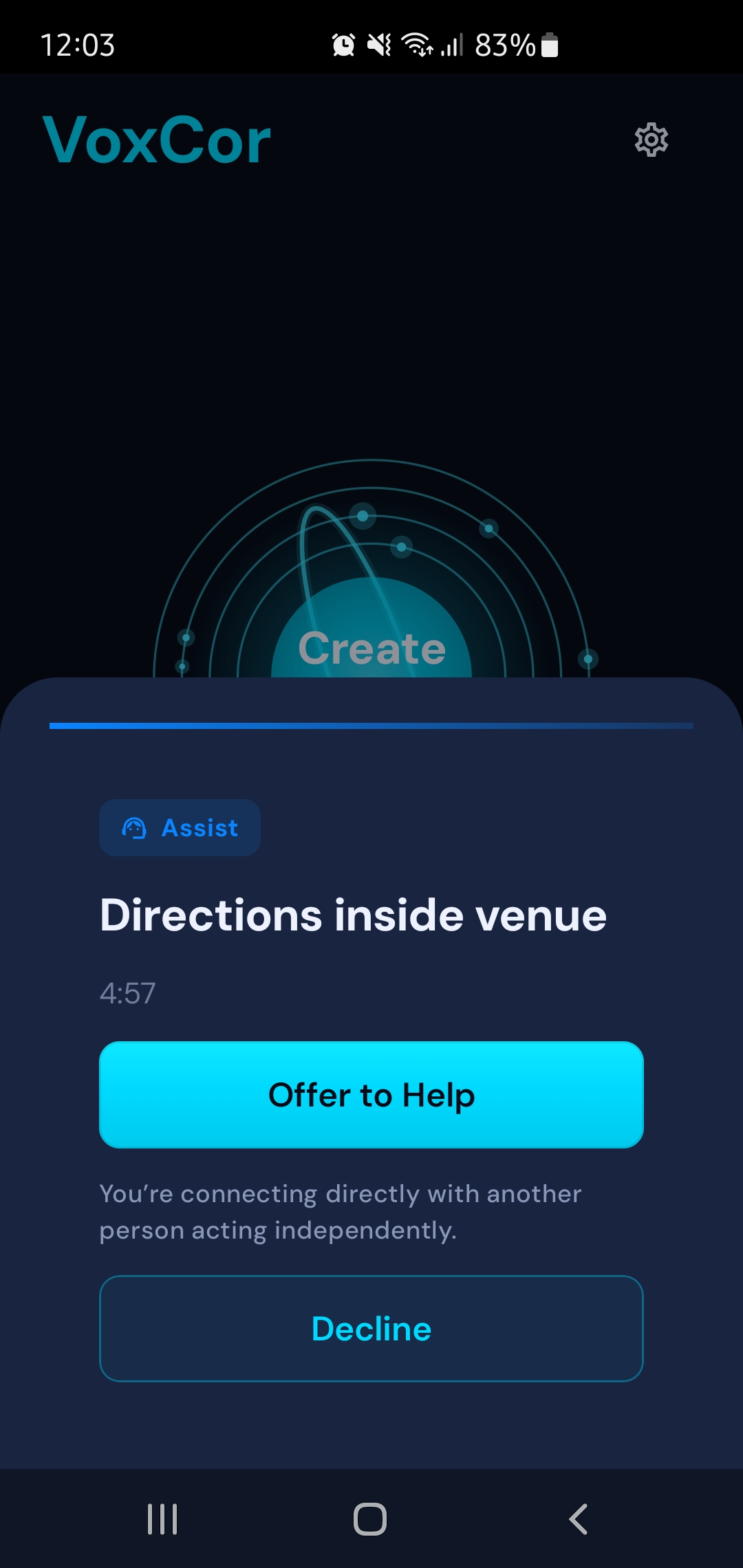
Nearby people can respond
The signal is visible to relevant people nearby, making the experience immediate without depending on social feeds or group chats.
Step 03
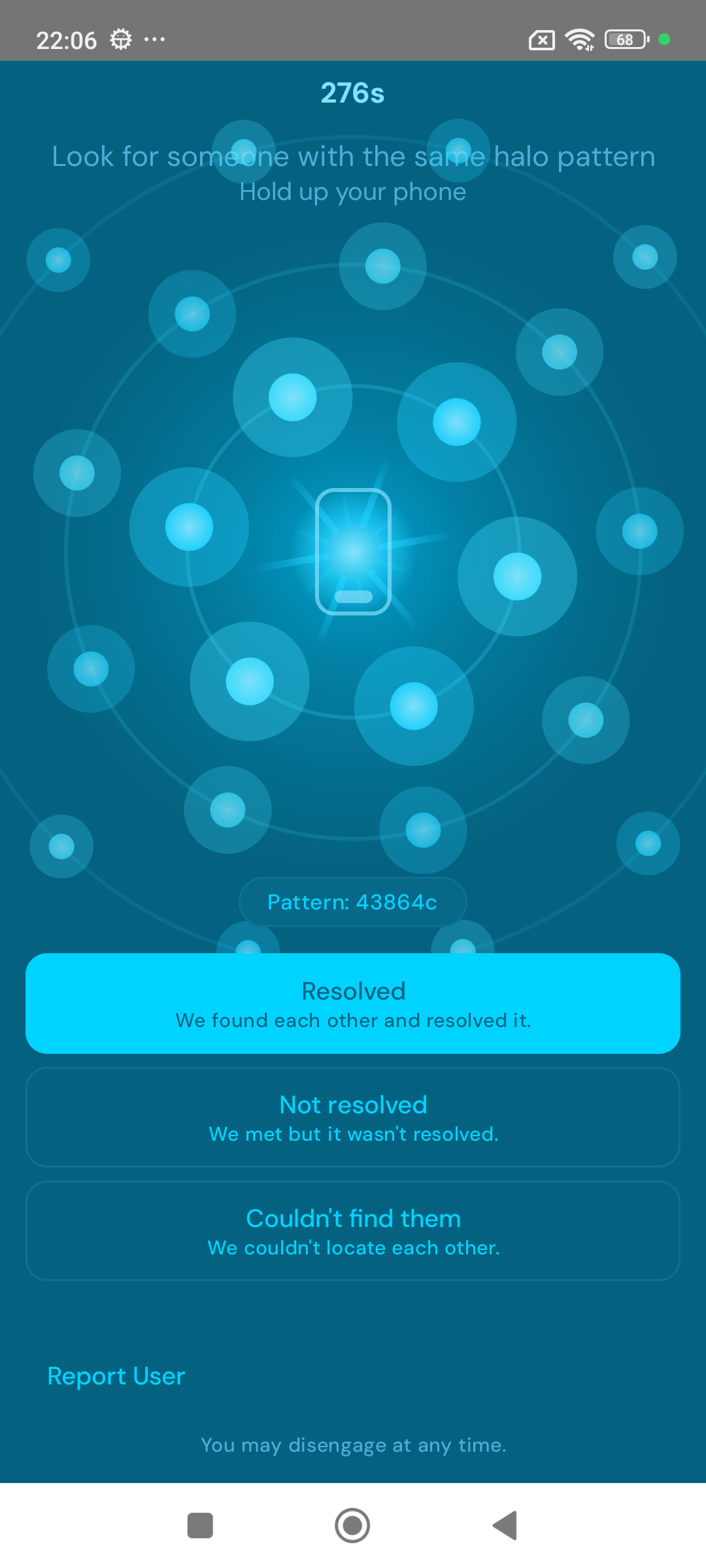
Both sides verify the match
Mutual visual confirmation adds trust before anyone approaches, which is essential in shared public environments.
Why it works
Four things that make it different.
No account required
VoxCor removes login friction so help can happen quickly when the moment matters.
Not a chat app
VoxCor connects you with someone nearby, then steps aside. No group chats, no inbox, no noise.
Privacy-first by default
No names, email addresses, or phone numbers are required to participate in the core flow.
Works anywhere
Use it as an individual or power your whole event. The same app handles both.
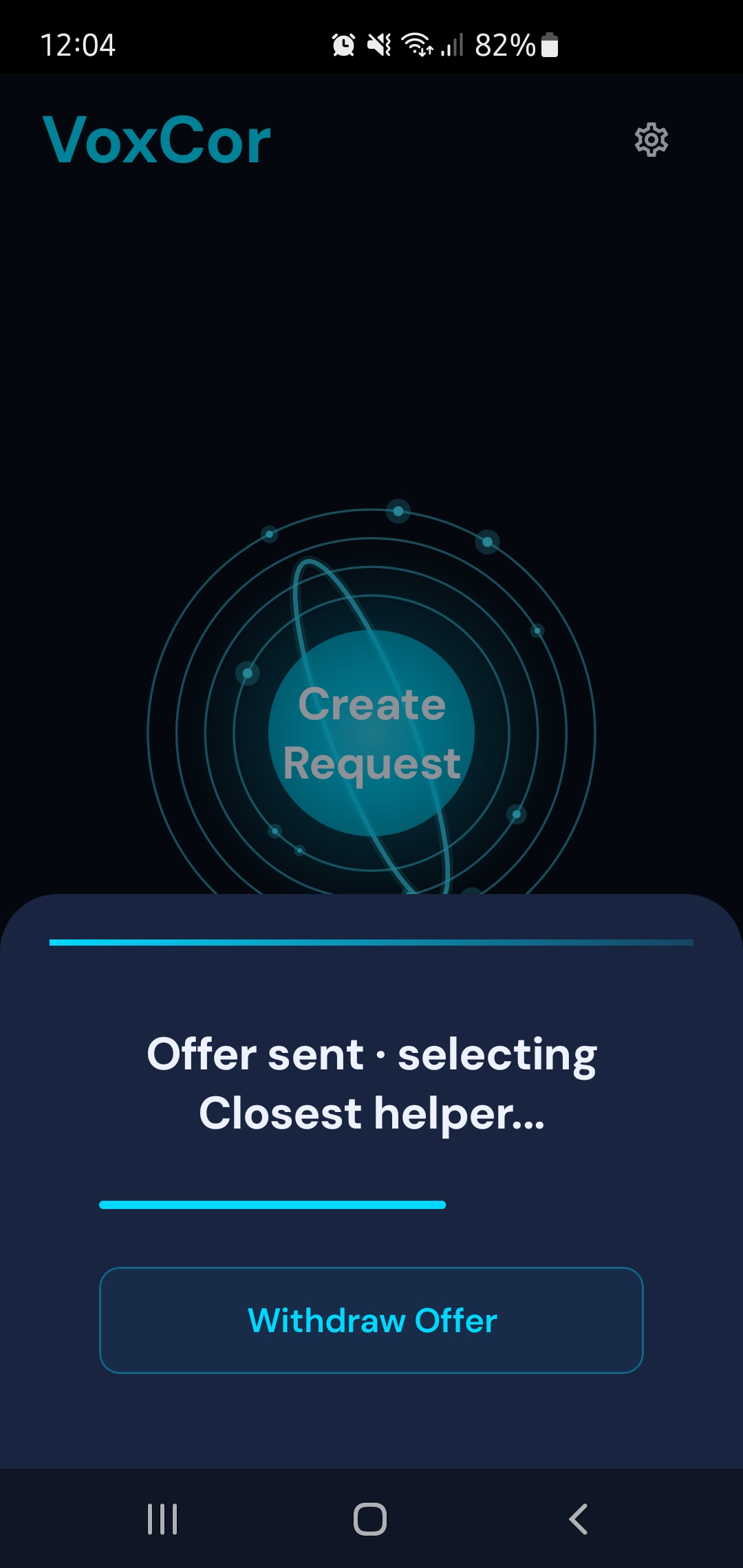
See how it feels to use it.
Quiet help without social friction
VoxCor is built for those moments where a nearby person could help, but there is no clean way to ask without awkwardness, delay, or noise.
The whole experience fits in a few taps — no account, no setup, no learning curve.
Trust before contact
Before anyone walks over, both sides confirm the match visually. No surprises. No awkward mistaken approaches.
Both sides confirm independently — either side can walk away at any point.
Works for one person. Works for thousands.
Use it on your own, or deploy it at your next event or venue. The same app, the same experience — just at whatever scale you need.
Events and venues get zones, roles, and a live dashboard on top of the same core app.
Taking it further
Start with VoxCor.
Add Spaces when your team needs it.
VoxCor handles individual requests. Spaces adds zones, roles, and a live dashboard for event and venue teams. Same app underneath, more control on top.
Real situations
Help is already nearby.
VoxCor works wherever people gather. These are the moments it was built for.
Comparison
Not a chat app. Not an emergency line.
VoxCor fills the gap between social messaging and formal emergency channels.
How VoxCor is different
Not a chat app. Not an emergency alarm. A new way to connect people nearby.
| Feature | VoxCor | Chat apps | Emergency apps |
|---|---|---|---|
| No chat required | |||
| Works with strangers nearby | Only emergencies | ||
| Location-based (~100m) | City-wide | ||
| No accounts or profiles | |||
| Visual signal matching |
Next step
Start with VoxCor.
Free, no account needed.
Try it at your next event, on your next commute, or anywhere you share a space with people. Running an event or venue? Spaces is built for your team.
Safety notice
VoxCor is a voluntary signaling platform for user-to-user interactions. Participants are independent individuals, not VoxCor employees, staff, or agents. Responses are voluntary and not guaranteed. VoxCor does not provide emergency, medical, or security services and does not verify, supervise, or control responders. Users act at their own discretion and may disengage at any time. If you are in immediate danger, contact local emergency services.