The save button for your whole phone
Your save button
for real life.
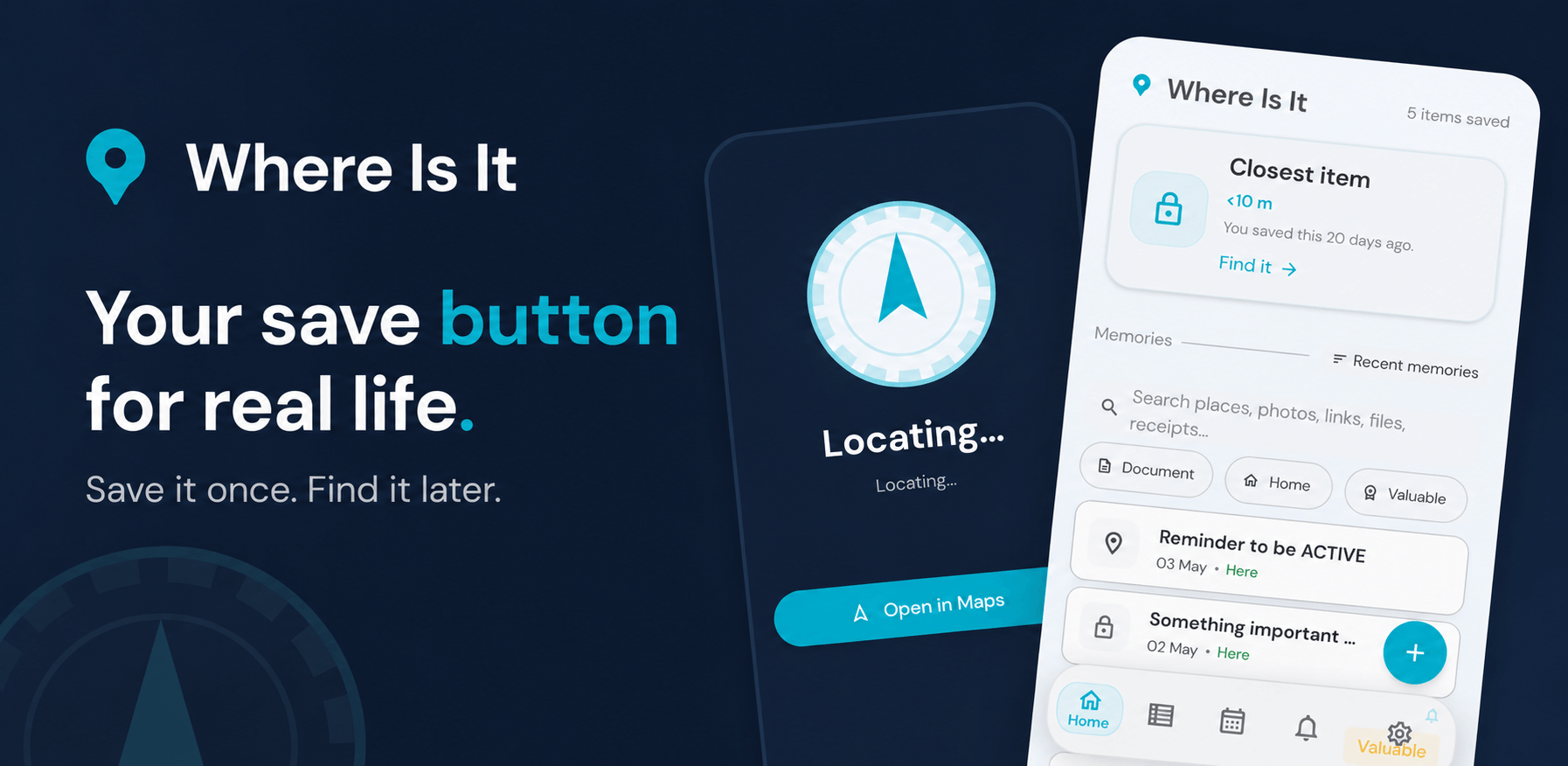
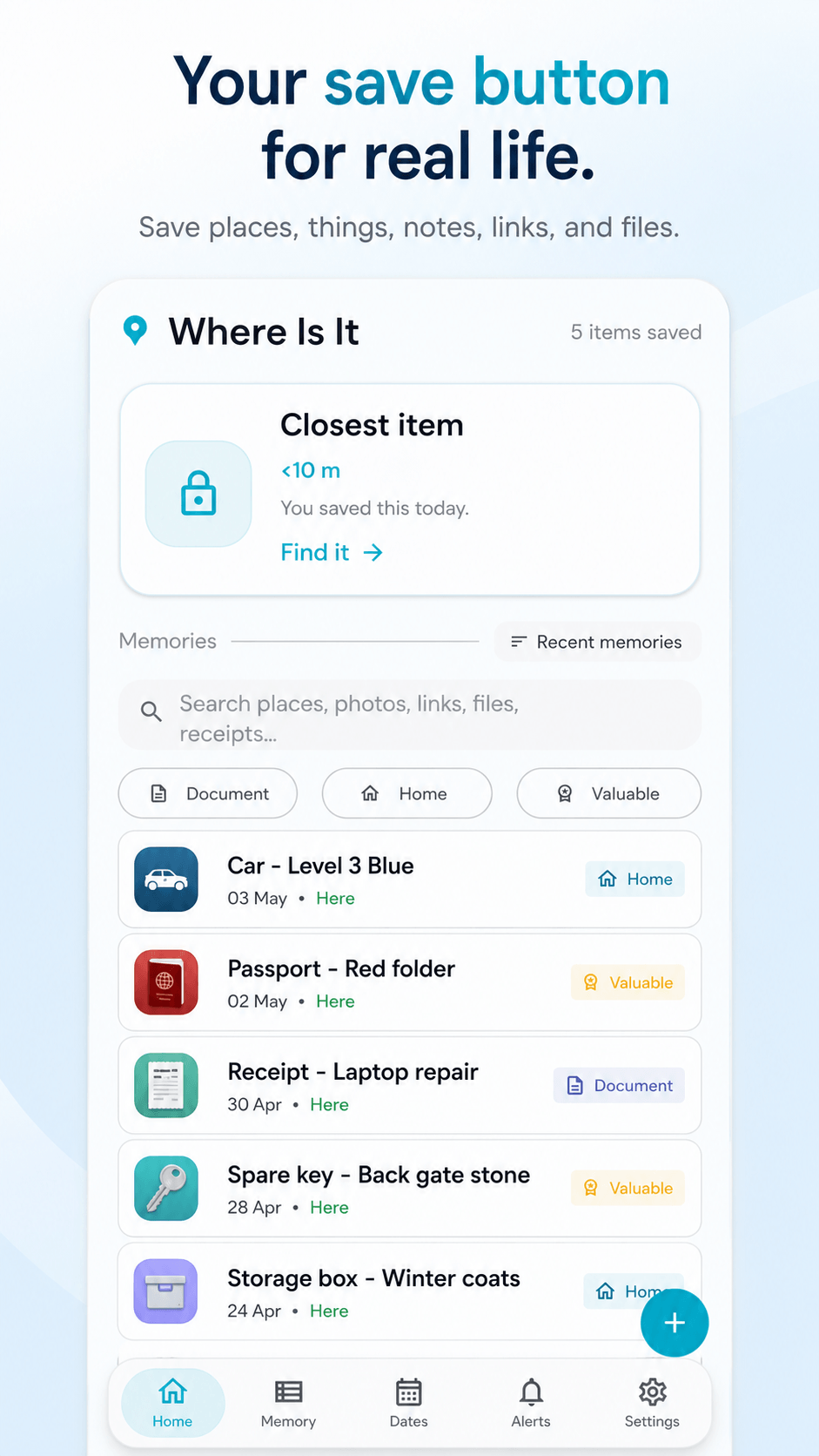
Save links places photos receipts documents and social posts in one private place — then find them when they matter.
- No account needed
- Private memories stay locked
- Save once. Find it later.
Free to start. No account needed.
We believe your memories are yours.
Not ours. Not a server's. Not sold to anyone.
Where Is It exists because your phone should have a save button for real life — one that works offline, asks nothing of you, and gives everything back the moment you need it.
We don't run on your data. We don't learn from it. We don't keep it. Your saved memories live on your device, in your control, until you choose otherwise.
No account.No cloud.No algorithm.No tracking.No conditions.
NO
account required
The problem
You already save things everywhere.
Where Is It gives everything one place.
See what it does
What makes it different
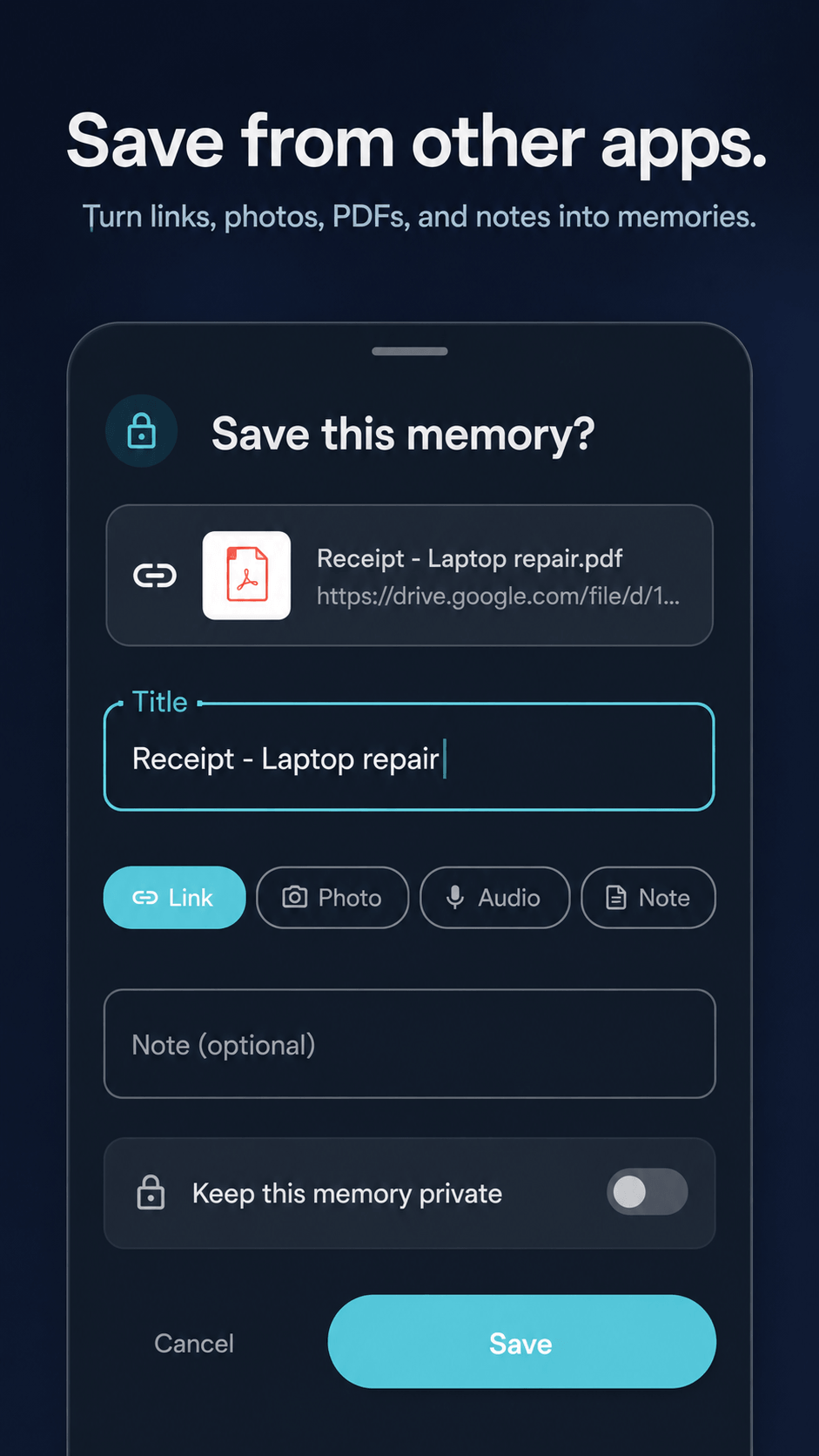
Save from anywhere
See something useful?
Share it to Where Is It.
Use your phone's share button from any app — Chrome, WhatsApp, Gmail, Instagram, Files — and it lands in your collection with a note and your location.
- Links, articles, and social posts
- Photos and files
- Documents — scan and save
- Add a note and GPS in seconds
New feature
RabbitMap for your internet saves.
RabbitMap groups your saved links, videos, articles, screenshots, and documents into useful rabbit holes — travel ideas, gift research, product comparisons, recipes, tutorials, and more.
- Groups internet saves automatically by topic
- Surfaces related things you already saved
- Browse your rabbit holes anytime, offline
RabbitMap
Coming shortlyReal-life memory
Not just bookmarks. Real-life memory.
Save the things that matter in the real world — and find them again when you need them.
Parking spot
Save it in one tap. Walk back with the live compass.
Keys & bag
Where did you leave them? Save the spot so you never forget.
Receipt & warranty
Attach a photo. Find it when the return window matters.
Document
Scan and attach. Passports, manuals, reference cards — all findable.
Private note
PIN or biometrics. Locked until you unlock it — invisible to anyone else.
Link or article
Shared from Chrome, Instagram, or anywhere else. Always findable.
Location memory
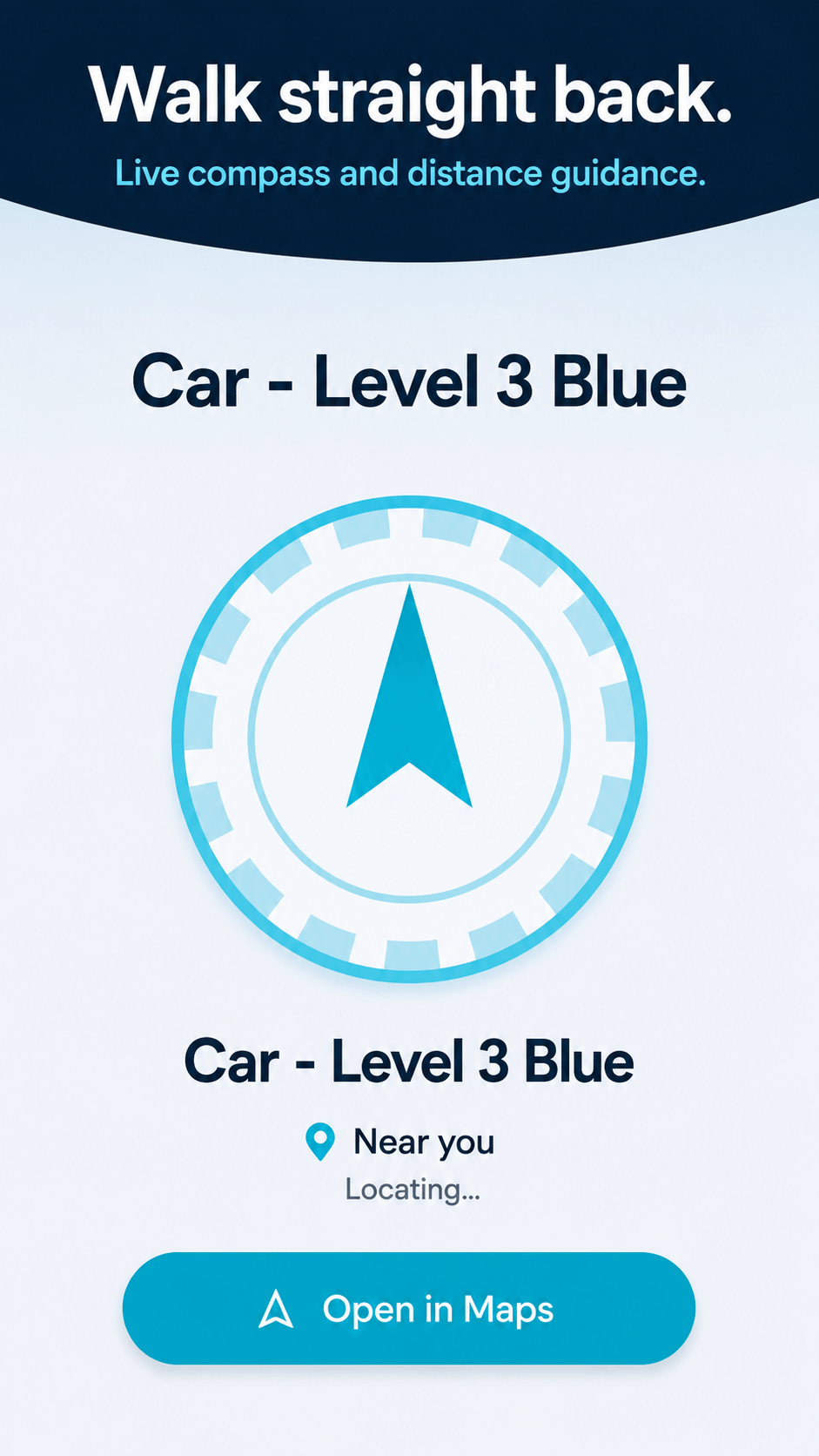
Walk straight back.
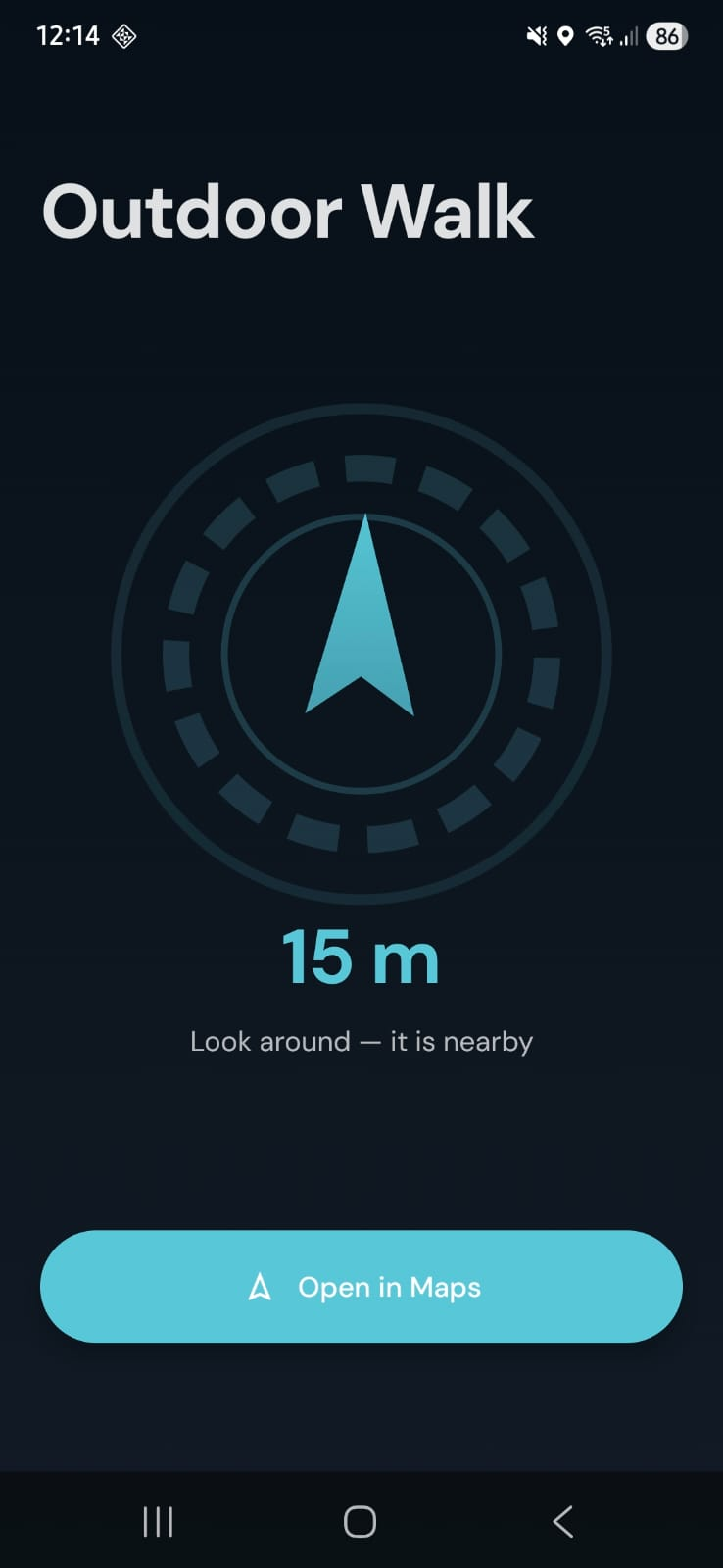
Save where you parked, left your bag, or stashed anything. A live compass guides you back — distance and direction in real time. No internet needed.
- Live compass and distance readout
- Works for parking, storage, and more
- Open in Google Maps in one tap
- Fully offline
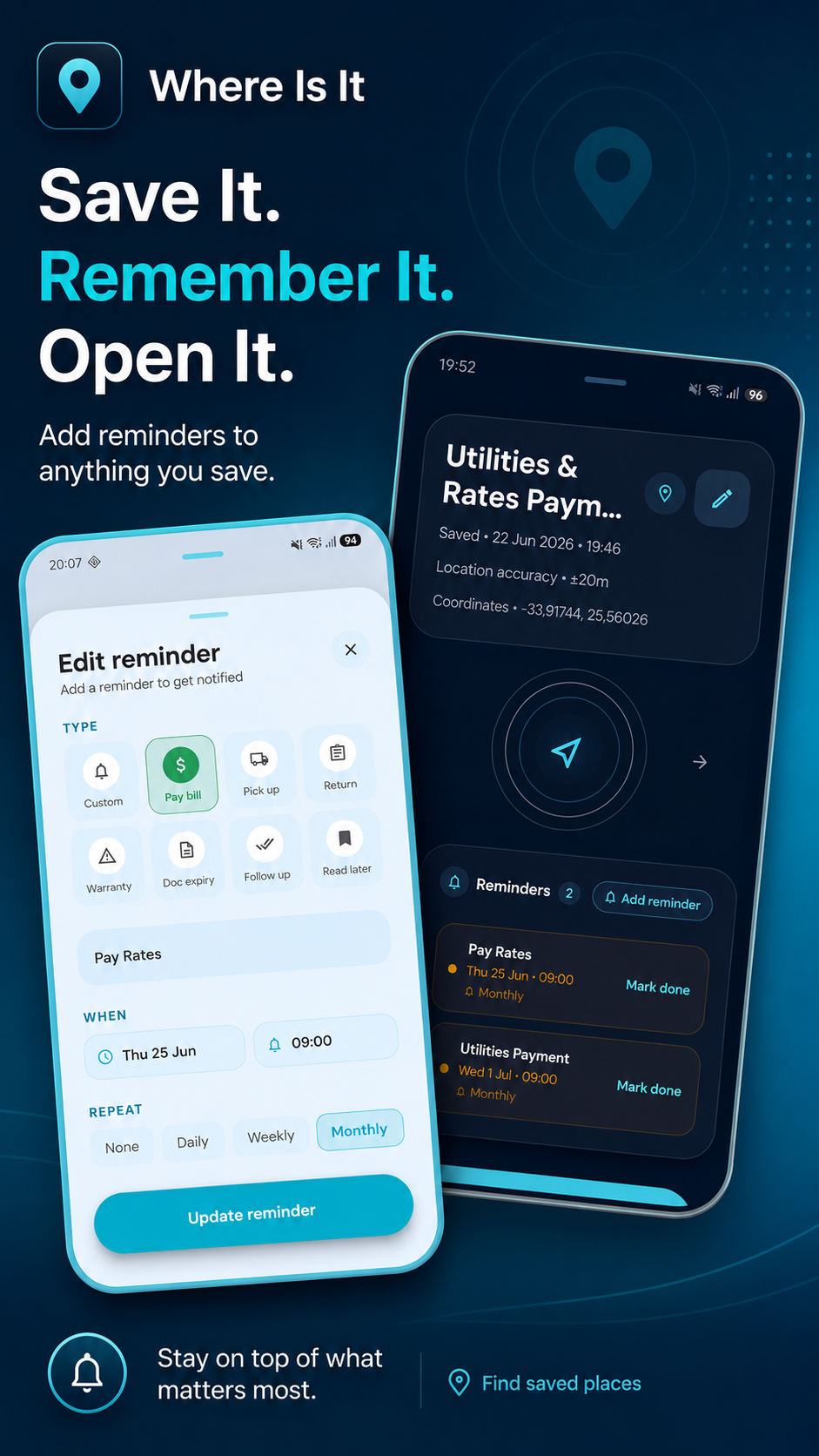
Save it now. Get reminded later.
Reminders that belong to the thing you saved.
Set a date reminder on any saved memory. One-time or recurring — it fires, you snooze or mark it done, and it opens straight to the saved item.
One-time date reminder
Pick any date and time. The reminder fires when it matters.
Recurring reminders
Daily, weekly, monthly, or yearly — set it once, keep getting reminded.
Snooze or mark done
Dismissing the notification does nothing. You decide when it's finished.
Proximity reminder
Walk past a saved memory and get a notification. Great for errands. (Plus)
Private reminder
Reminders for private memories hide their details on the lock screen.
Opens the memory
Tap the notification and land straight on the saved item.
Private by design
Your memories stay yours.
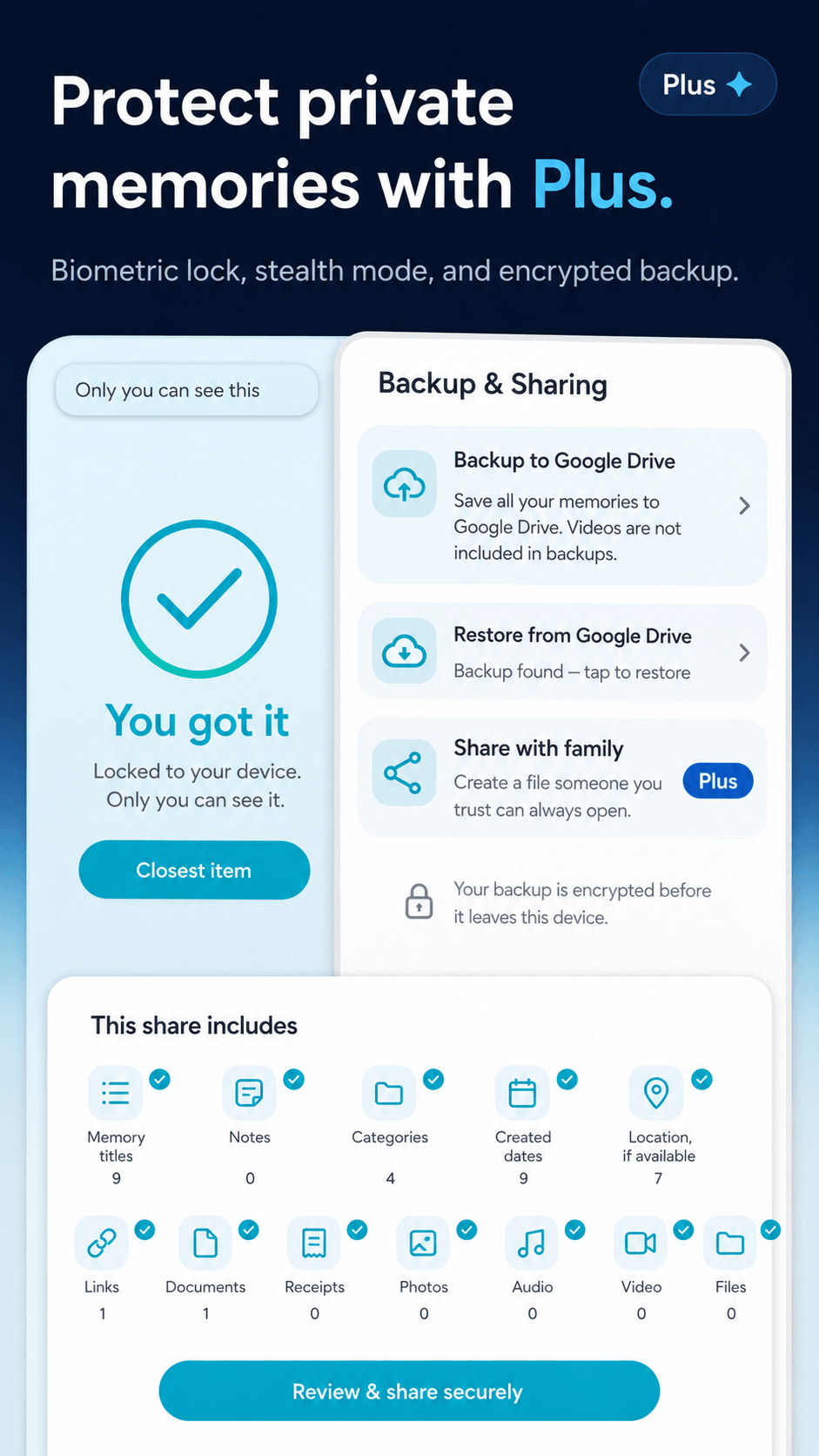
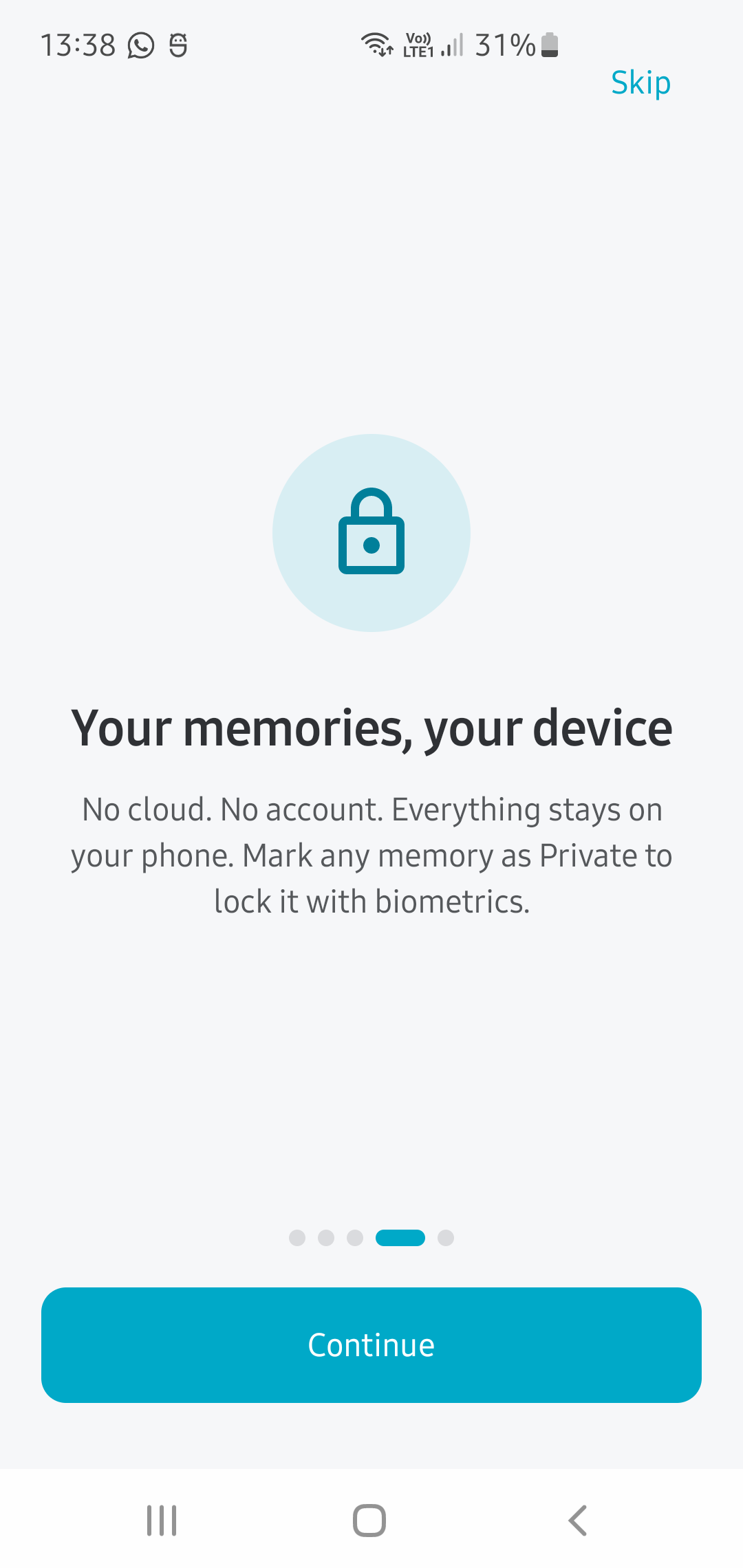
No account, no tracking, no third-party SDKs. Everything lives on your device. Private memories are locked with biometrics — invisible until you unlock them.
No account required
Nothing to sign up for. Open and use immediately.
No tracking
No analytics SDK. No data leaves your phone unless you ask it to.
Stored on your device
Your memories live in your phone's private storage. Not on a server.
Private memories locked
Sensitive memories stay hidden until you unlock with biometrics.
Backup is optional
Google Drive backup is your choice. Nothing syncs without you starting it.
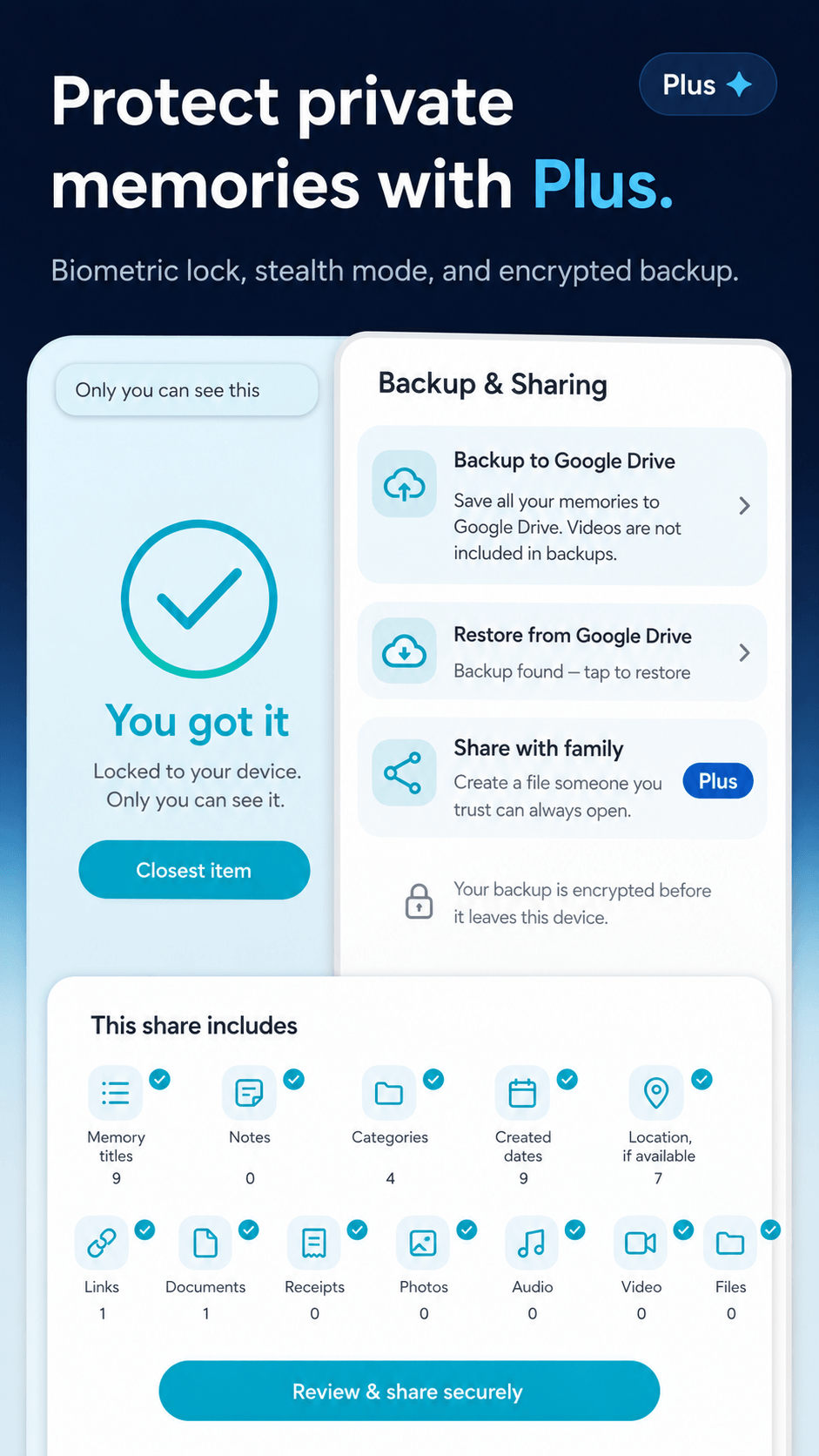
Backup and sharing
Back up or share when you choose.
Back up everything to your own Google Drive — not ours. And with Plus, encrypt your backup and share it with a trusted person so they can restore it on their own device.
- Google Drive backup — Free
- Restore at any time — Free
- Encrypted backup with passcode — Plus
- Encrypted backup sharing with trusted person — Plus
- No WhereIsIt server involved
How it works
Simple by design.
Save in one tap
Tap Save, or use your phone's share button from any app.
Add context
Attach a note, photo, voice note, or let it capture your location.
Find it instantly
Search your memories — no digging through apps or camera rolls.
Free to start. No account needed.
Made for you
Who uses Where Is It?
Made for travelers
Your entire trip, saved and findable.
Never lose where you parked, where the hotel is, or where you put that receipt — even offline in a foreign city.
- Compass back to your hire car, hotel, or parked bike
- Saved restaurant and attraction links from any app
- Receipt and travel document scans
- Works fully offline — no roaming needed
- Boarding passes, visas, and reference cards in one place
Pricing
Start free. Upgrade when you need more.
Free
Free forever
Everything you need to get started.
- Up to 5 memories
- Compass guided return for any saved location
- Smart parking save reminder
- Categories and search
- 1 photo and 1 voice note per memory
- Private memories with biometrics
- Google Drive backup and restore
- Home screen widget
Plus
Plus — more power
Unlock the full experience.
- Everything in Free, plus:
- Unlimited memories
- Date reminders — one-time or recurring (daily, weekly, monthly, yearly)
- Proximity reminders — get notified when nearby
- Up to 10 photos per memory
- Multiple voice clips per memory
- Up to 3 videos per memory
- Document scanning
- Encrypted backup — passcode-protected
- Encrypted backup sharing with a trusted person
- Legacy export to HTML
Lifetime
Pay once.
Keep it forever.
Get everything in Plus without a subscription. One payment, permanent access — no renewals, ever.
What people say
Simple things that matter.
“I never forget where I parked anymore”
“I keep receipts and warranties in one place now”
“The widget saves me every day”
Start today
Stop losing things
you already saved.
Where Is It gives everything a place — and gets you back to it in seconds.
Free to start. No account needed.